A collection of icons for designers and developers, organized by category and ready to drop into any project.
Free logistics and delivery icons for ecommerce tracking
Clear delivery updates are now part of the shopping experience. Customers want to know whether an order has been packed, collected, sorted, delayed, or delivered, and ecommerce teams need visual tools that make those stages easy to understand. Free logistics and delivery icons for ecommerce tracking can help turn a dense tracking page into a quick, readable journey.
A well-chosen icon set supports websites, mobile apps, order confirmation emails, dashboards, and presentation mockups. With editable PSD files and transparent PNG assets, designers can create a consistent visual language across checkout, warehouse, courier, and customer service touchpoints.
Make each delivery stage instantly recognisable
Tracking interfaces often contain familiar milestones such as order received, payment approved, warehouse processing, parcel dispatched, in transit, arriving today, and delivered. A parcel, barcode, warehouse, truck, map pin, clock, or tick icon can communicate each step faster than a sentence alone.
Consistency matters when several icons appear in a horizontal progress bar or vertical timeline. Matching stroke weights, proportions, corner styles, and colour treatments make the interface feel trustworthy. Use one visual style for completed stages, another for the current stage, and a softer treatment for steps still to come.
Transparent PNG files are useful for quick implementation in web layouts and email templates. PSD files offer greater control when a team needs to adjust colour, scale, shadows, or spacing for a particular brand.
Support Australian delivery journeys
Australian ecommerce tracking needs to accommodate long distances and varied delivery conditions. A parcel travelling from Melbourne to Perth may move through several sorting facilities, while deliveries to regional Queensland, Tasmania, or the Northern Territory can involve different transport schedules. Icons for freight, rural delivery, and route changes help explain these transitions without overcrowding the page.
Local wording can make status messages feel more natural. “On its way,” “out for delivery,” and “delivered” are clear across Australia, while a courier interface may need room for details such as an AusPost collection point, a parcel locker, or a delivery window. In busy suburbs around Sydney or Brisbane, a map pin and home icon can distinguish doorstep delivery from a pickup option.
Visual cues are especially useful when customers are checking an order on a phone between errands. A compact status row with recognisable symbols can communicate progress at a glance, even when the full tracking note includes a depot name, suburb, or updated estimate.
Build a flexible icon system for ecommerce
A useful logistics collection should cover more than a delivery van. Look for icons representing shopping carts, packages, warehouse shelves, scanners, labels, pallets, loading docks, location pins, calendars, notifications, returns, and customer support. These symbols allow teams to design a complete tracking experience rather than relying on unrelated graphics from different sources.
The same assets can support internal dashboards. Warehouse staff might use scanner and shelf icons for fulfilment stages, while customer service teams can use alert, phone, and return symbols to explain an exception. Retailers selling fashion, electronics, groceries, or handmade goods can adapt the set to different product flows.
A broader business collection can also help maintain a unified style across order management and corporate communication. For example, a business icon set may complement delivery symbols in investor presentations, supplier portals, or operational reports.
Choose files that work across platforms
PSD source files are valuable when a designer needs to recolour a truck icon to match a brand palette, change a parcel label, or prepare assets for both light and dark interfaces. Layered files also make it easier to create hover states, active timeline steps, and promotional graphics without rebuilding each symbol.
PNG files are convenient for developers and content teams working on a deadline. Transparent backgrounds let icons sit neatly over cards, banners, product pages, and notification panels. Before publishing, check the pixel dimensions and export several sizes so the graphics remain sharp on high-density mobile screens.
For an ecommerce platform, it is worth establishing simple usage rules. Define the standard icon size, spacing around each symbol, accessible colour contrast, and whether icons sit beside labels or replace them. Text should remain available for important statuses so screen readers and customers with different visual needs receive the same information.
Improve trust with clear visual feedback
Delivery problems are easier to understand when the interface separates normal progress from exceptions. A warning triangle can signal an address issue, a clock can indicate a delay, and a circular arrow can represent a reattempt or return. Pair each symbol with concise language rather than expecting the icon to carry the entire message.
Colour should reinforce meaning without becoming the only signal. Green may indicate a completed delivery, blue an active step, and amber a delay, but labels and shapes should communicate the same information for customers with colour-vision differences. This approach also keeps the interface readable when viewed outdoors or in low-light conditions.
A polished tracking page can reduce support requests because customers can see what is happening and what action, if any, is required. It gives small Australian retailers a professional presence alongside larger marketplaces, while making the delivery process feel more transparent from checkout to doorstep.
Browse free logistics and delivery icons in PSD and transparent PNG formats, then adapt the collection to your ecommerce workflow. Download the assets, align them with your brand system, and give every order status a clear visual signal.
Ultimate Flat Social Icon Set
A premium pack of 70 icons delivered in PSD and PNG, across 4 sizes and 2 different styles, with an HTML/CSS3 version included.
It was built to complement the free library for projects needing a consistent, flat social icon set.
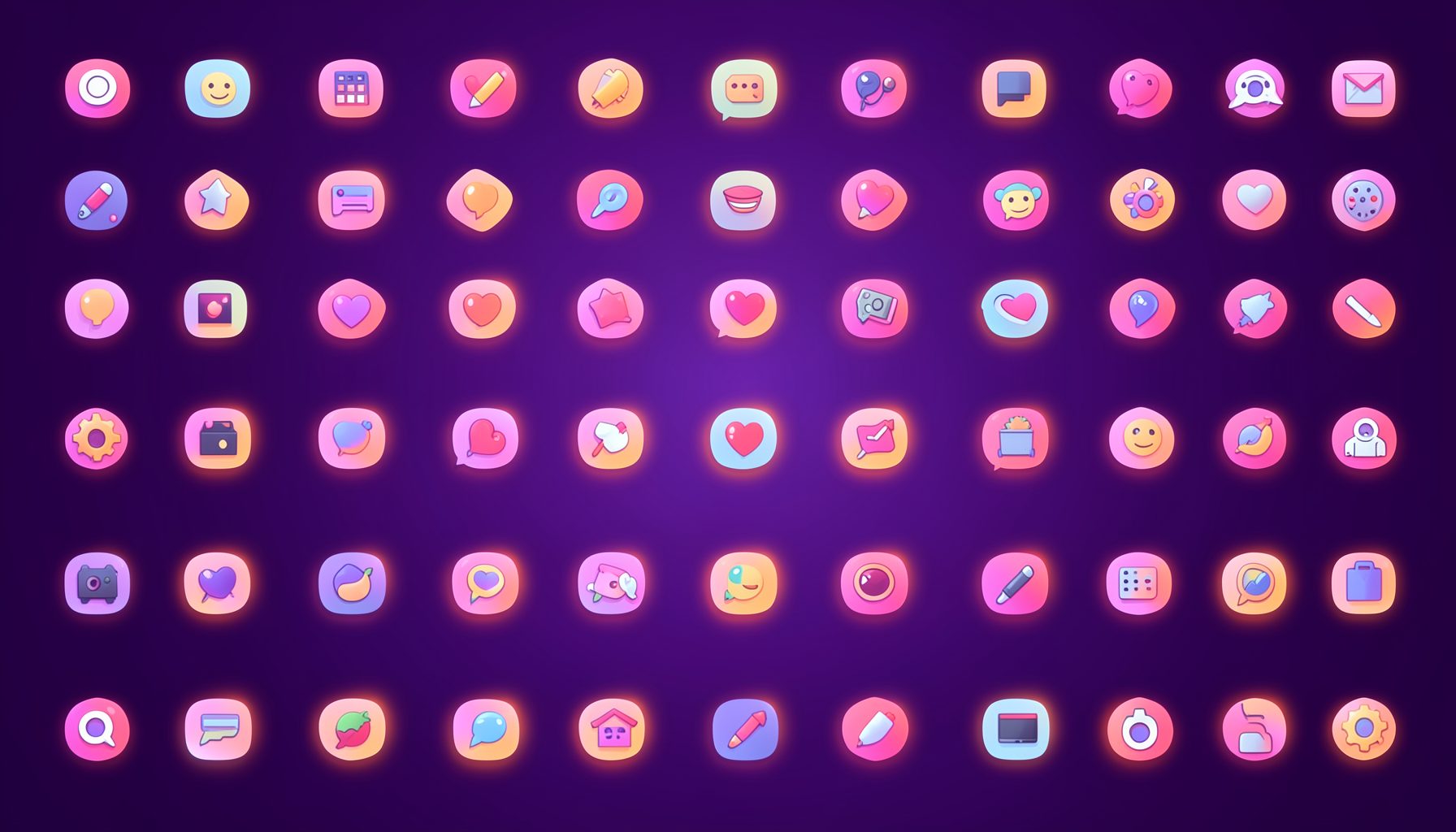
Browse by category
Icons are grouped into 19 categories, from everyday app and business icons to travel, music and user-interface glyphs.
Categories
Apps, Business, Communication, Design, E-commerce, Entertainment, Finance, Holidays & Events, Internet, Media, Miscellaneous, Music, News, Photography, Social, Technology, Travel, User Interfaces, Video.
License & Subscribe
Licensing terms cover use of both free and premium icons in personal and commercial work. Subscribers received email updates on new icon posts, with an RSS feed also available.

Get in touch
Questions, information or icon suggestions could be sent to contact.psdicons@psdicons.net, with replies typically arriving in 1–2 days.
𝕏