A collection of icons for designers and developers, organized by category and ready to drop into any project.
Create scalable vector icon sets in Photoshop
An icon set earns its keep when every symbol stays clear in a banking app, website menu or presentation slide. Designers need consistent proportions, dependable exports and a structure that makes future editing painless. PSD Icons provides free and premium collections in Photoshop PSD and transparent PNG formats, covering business, technology, finance, travel, social media and user-interface categories.
Designing icon sets with scalable vector layers in Photoshop gives a project room to grow. A path-based shape can be enlarged for desktop, reduced for mobile or recoloured for a client’s brand without being redrawn. Shape layers, masks and Smart Objects keep the source organised, while crisp PNG exports serve the screens, mockups and slide decks where those assets are used.
Set a grid before drawing
Begin with a defined artboard instead of drawing symbols at arbitrary dimensions. A 24-pixel square with a 20-pixel live area works for many interface icons; a 32-pixel artboard gives detailed marks more room. Map corners, edge centres and optical centres before expanding the system.
Use one stroke weight, a shared corner radius and consistent padding. A thin line may need a small positional adjustment to look centred, even when its bounding box is mathematically even. Guides and keylines should be visible during construction, then hidden in presentation copies.
Save a grid template with a sample export beside the working file. Testing a plus, arrow or home symbol first exposes spacing and alignment errors before they spread through the collection.
Keep paths editable from the first sketch
Create icons with Photoshop shape layers or Bézier paths, and avoid rasterising them during construction. Filled paths and Boolean operations provide clean silhouettes that remain adjustable. Vector data does not guarantee identical rendering in every application, but it gives you the best control when a PSD is resized or passed to another designer.
Keep effects restrained. Shadows can become muddy at 16 pixels and complicate recolouring. Use vector strokes for outlines, set them to centre, and reserve bevels or textures for cases that genuinely need them. Inspect edge quality at the smallest delivery size, not only on a large canvas.
For multi-part symbols, use Pathfinder operations or aligned masks instead of stacking accidental pixels. Preserve the original path before a destructive operation, making it easier to recover a corner, change a counter shape or create a filled version from an outline.
Build a reusable layer structure
Group each symbol with predictable names such as base, stroke, detail and state. Keep outline, filled, active and disabled variants in separate groups or artboards while sharing the same master proportions. Clear layer names help developers find the correct asset without guessing.
Use solid colour layers or editable custom properties for colour changes. Smart Objects can hold a finished icon or component, but do not flatten the whole collection into one object. The editable layer structure is part of the product, not merely an internal convenience.
Check legibility in Australian contexts
Australian interfaces often appear in busy moments: checking an Opal card in Sydney, finding a route on a Melbourne commute, or managing a job while moving between sites in Brisbane. These contexts reward a bold silhouette, readable label and enough contrast on a phone used outdoors. Test the collection on a real device at the smallest size used by the product.
Mobile banking, tap-to-pay and digital receipts are everyday habits. Payment, security and notification symbols should be distinct without assuming that every user reads finance terminology in the same way. Australian English labels, A$, DD/MM/YYYY and +61 can also help a generic pack feel locally relevant when those details appear in an interface.
For products collecting names, email addresses or payment details, clear notice and choices should support the Privacy Act 1988 where it applies. An Australian store should present prices, licence terms and service promises plainly under the Australian Consumer Law. Visual hierarchy helps, but wording and consent still need a content review.
Export for screens, mockups and presentations
Keep the Photoshop document as the editable master, with vector shape layers intact. Export transparent PNG files separately at each requested dimension, use sRGB, and check each result against its target background. The PSD supports further design work, while the PNG is a dependable raster asset for websites, applications, mockups and presentations.
Inspect antialiasing, transparency, clipping and colour profiles at 100 per cent. Name files by icon, variant and size, such as arrow-right_active@2x.png, and include a preview sheet. This convention prevents an export from being mistaken for another state when it reaches a development team.
Package a collection that is easy to adopt
Organise the finished pack by use case rather than software. Business, technology, finance, travel, social media and interface symbols can sit in clear folders, with a short style guide explaining stroke, corner and spacing decisions. A coherent collection is easier to browse, licence and reuse than unrelated PNGs.
Quality check the set as a whole: compare bounding boxes, inspect optical centres, verify that states share a live area, and remove unused layers or hidden debris. Test dark and light backgrounds, since an icon that works on white may lose its outline on a dark interface. Offer a free set as a taste of the system, then use expanded premium packs for more categories, variants or presentation-ready compositions. State file formats and usage terms plainly and keep an email update option for new releases, making the pack useful to Australian freelancers, small businesses and creative teams.
Browse the free and premium collections on PSD Icons, choose a pack that matches your project, and download the editable PSD with transparent PNG exports. Start with the grid and layer conventions above so every new symbol belongs to the same visual language.
Subscribe to email updates for new releases, then bring the collection into your next website, application, mockup or presentation.
Ultimate Flat Social Icon Set
A premium pack of 70 icons delivered in PSD and PNG, across 4 sizes and 2 different styles, with an HTML/CSS3 version included.
It was built to complement the free library for projects needing a consistent, flat social icon set.
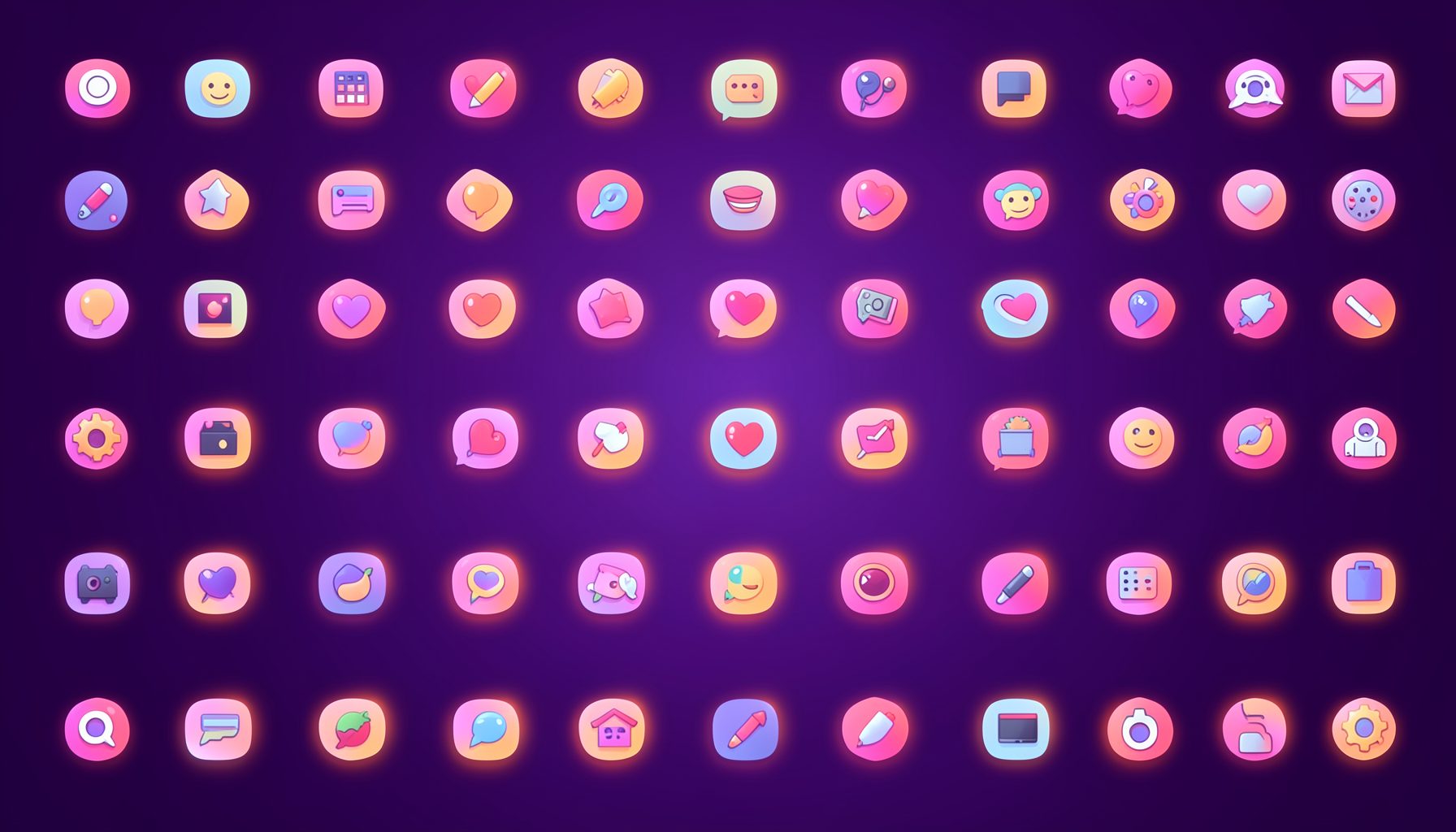
Browse by category
Icons are grouped into 19 categories, from everyday app and business icons to travel, music and user-interface glyphs.
Categories
Apps, Business, Communication, Design, E-commerce, Entertainment, Finance, Holidays & Events, Internet, Media, Miscellaneous, Music, News, Photography, Social, Technology, Travel, User Interfaces, Video.
License & Subscribe
Licensing terms cover use of both free and premium icons in personal and commercial work. Subscribers received email updates on new icon posts, with an RSS feed also available.

Get in touch
Questions, information or icon suggestions could be sent to contact.psdicons@psdicons.net, with replies typically arriving in 1–2 days.
𝕏